

|
SoCoder -> Article Home -> Website Information |
|
|
|
|
Jayenkai
|
Your Gallery : Upload rulesUploading files to Socoder |
|
Uploading a File The Your Gallery page lists any files you've uploaded, along with an "Upload new file" option. Click on Upload New File. In the page that appears (let me know if nothing happens!) you'll be given 3 text boxes. In the first box, place the filename of the file you want to upload. (Browse might help!) The Second and Third boxes are currently only there for Download files, and are used to give the file a Title and Description. Click Upload, and wait for the file to transfer to the server. Allowed Files The current uploadable filetypes are... Archives : .zip and .rar Images : .jpg, .gif, .png and .bmp There is currently a 2Mb per File limit, but this might be changed later. Gallery Once you have a few files uploaded, you can click on either Your Gallery, or the small Gallery link before a text entry box. This will let you see your current list of uploads, and clicking on one will display a brief version of it's data. If you want to post a link to an archive, grab the [FLink] BBCode from the bottom of the file description. (You can use the larger [url] format to post to other forums.) You can also Direct Link to the files if you really need to (ie, in a showcase), but I'd prefer you link to the Download Page on other sites. (You know.. For visitors!) For images, you will be given a [thumb] BBCode option to use on this site, or a regular [url/img] tag setup for use on other sites. (Try not to go crazy with the images, though.) Updating To update a file in the gallery, simply upload another version with "exactly" the same filename. The file will be overwritten on the server, and all database entries will link to the newer version. That is, if you have File X as Download #12, but you upload a new version, All links to Download #12 will now point towards Download #73 (or whatever!) Deleting I haven't yet added a delete option, so... <shrugs> You can't delete! Oh, and Don't go crazy! |
|
|
|
|
Comments |
|
| Saturday, 03 November 2007, 02:49 | |
shroom_monk
|
Yay! A gallery! Thanks Jay!  
|

|
| |||
|
| ||||
Undock Sidebar
Log in
Register
Recent Uploads
steve_ancell
IMG 202404 ... 104348 349
cyangames
snaphappy
Pakz
IMG 3178Spritegen
Pakz

IMG 0460Userint
spinal
nerdly error 1
spinal
blitz3d error array
Pakz

pixelArtPoster26x6
steve_ancell
434309993 ... 31684153 n
steve_ancell
432365916 ... 86179983 n
steve_ancell
432314655 ... 69078089 n
Log in
Register
Recent Uploads
steve_ancell
IMG 202404 ... 104348 349
cyangames
snaphappy
Pakz
IMG 3178Spritegen
Pakz
IMG 0460Userint
spinal
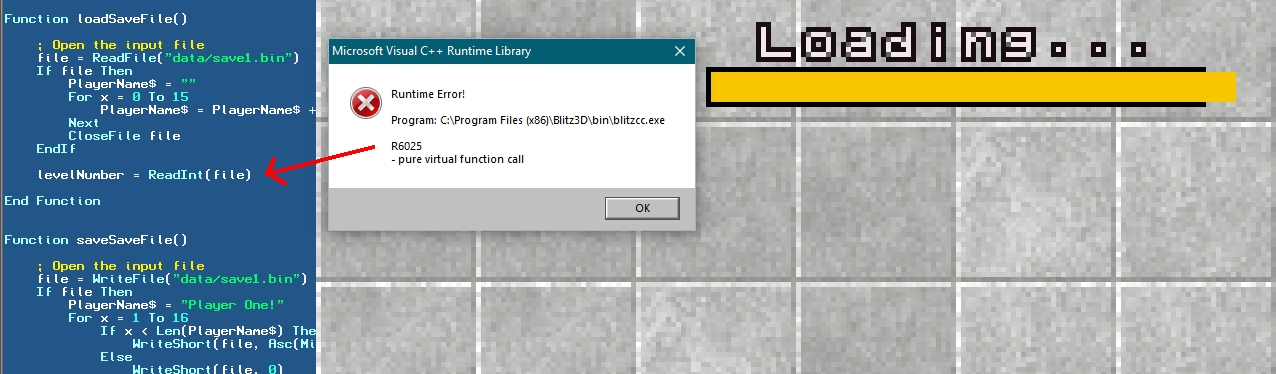
nerdly error 1
spinal
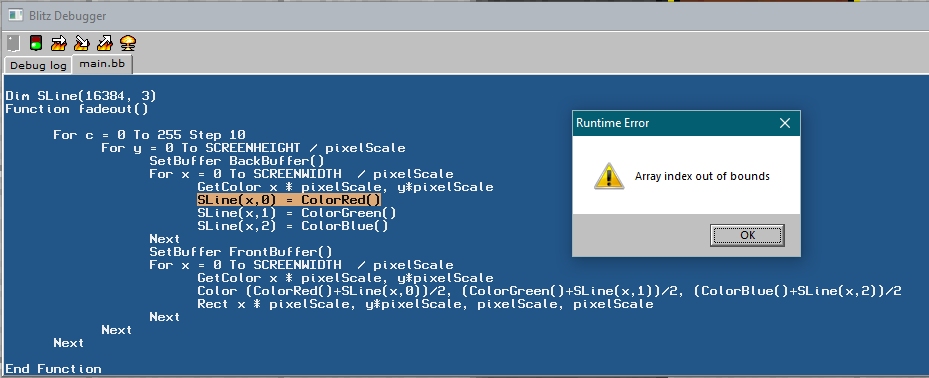
blitz3d error array
Pakz
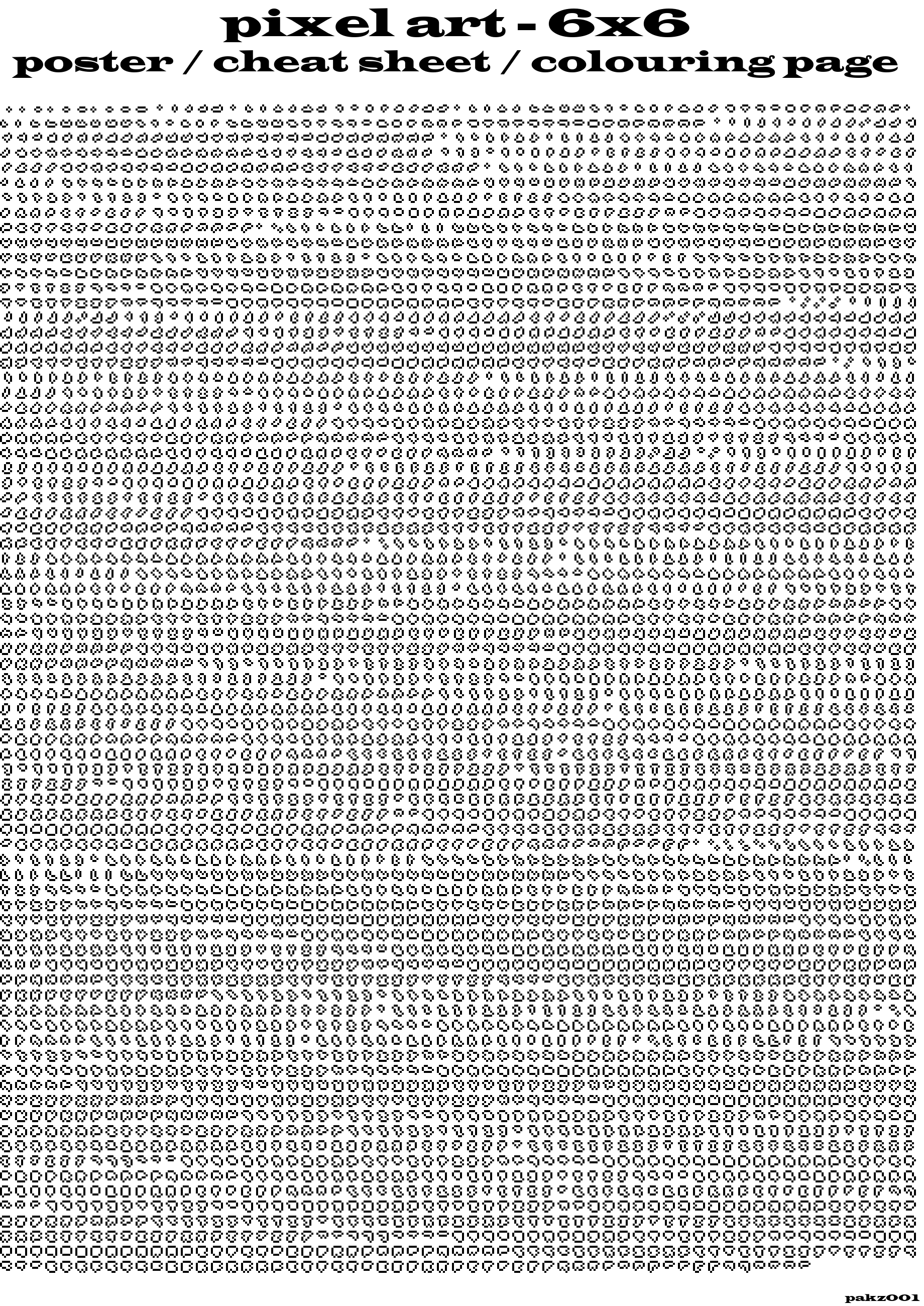
pixelArtPoster26x6
steve_ancell
434309993 ... 31684153 n
steve_ancell
432365916 ... 86179983 n
steve_ancell
432314655 ... 69078089 n